Healthicity v1.0.1
Connector Release
Skip to content
Unlocking Innovation: Explore the Latest NIM Release - Discover Enhanced Features, Exciting Announcements, and More!
Requires NIM Service Version 7.0.1864 or higher
References
New Features
Password Reset module of NIM provides a multitude of possibilities but it's prime function is Account recovery via password reset. Previously SSRPM provide a landing page for multiple options (Enroll, Reset Password, Unlock, Manage Attributes, Lookup Username) NIM should provide an option to have a landing page that can provide options for different Password Reset profiles (e.g. Reset Password, Unlock Only). This provides a simple point of entry. Expansion on this is to allow only certain hostnames to be allowed. For example if my nim host name is "nim.domain.com", I maybe want to have password reset point to "reset.domain.com". This would mean then if I go to "reset.domain.com" I would land on the dashboard page to select my option.
1
A proposed enhancement to the product is the introduction of workflows, allowing requests to be reviewed and approved by designated reviewers before proceeding. This would be particularly beneficial in scenarios such as application access requests or provisioning processes, ensuring oversight and compliance. How Workflows Would Improve the Product Approval Mechanism – When a user submits a request (e.g., access to an application or a provisioning action), it enters a workflow where assigned reviewers must approve or reject it before execution. Role-Based Reviewers – Approval requests could be routed to specific individuals based on their roles (e.g., managers, security officers, or compliance teams). Multi-Step Approvals – Workflows could support multi-tiered approvals where different stakeholders must review a request at various stages. Audit and Compliance – Each approval or rejection would be logged, providing a clear audit trail for governance and regulatory requirements. Example Use Case A user requests access to an HR application. Instead of immediate access, the request follows this workflow: Step 1: The user's manager reviews and approves the request.Step 2: If approved, the HR department reviews and grants final approval.Step 3: Upon approval, the provisioning process assigns the necessary permissions automatically. By incorporating workflows, the product enhances security, ensures compliance, and streamlines access management while preventing unauthorized changes.
2
IMPROVEMENTS AND FIXES
KNOWN ISSUES
DOCUMENTATION
Documentation
Documentation
Documentation
Documentation
The new NIM Documentation site is available and continuing to grow. It brings setup instructions, integration details, product guidance, and troubleshooting resources together in one place.
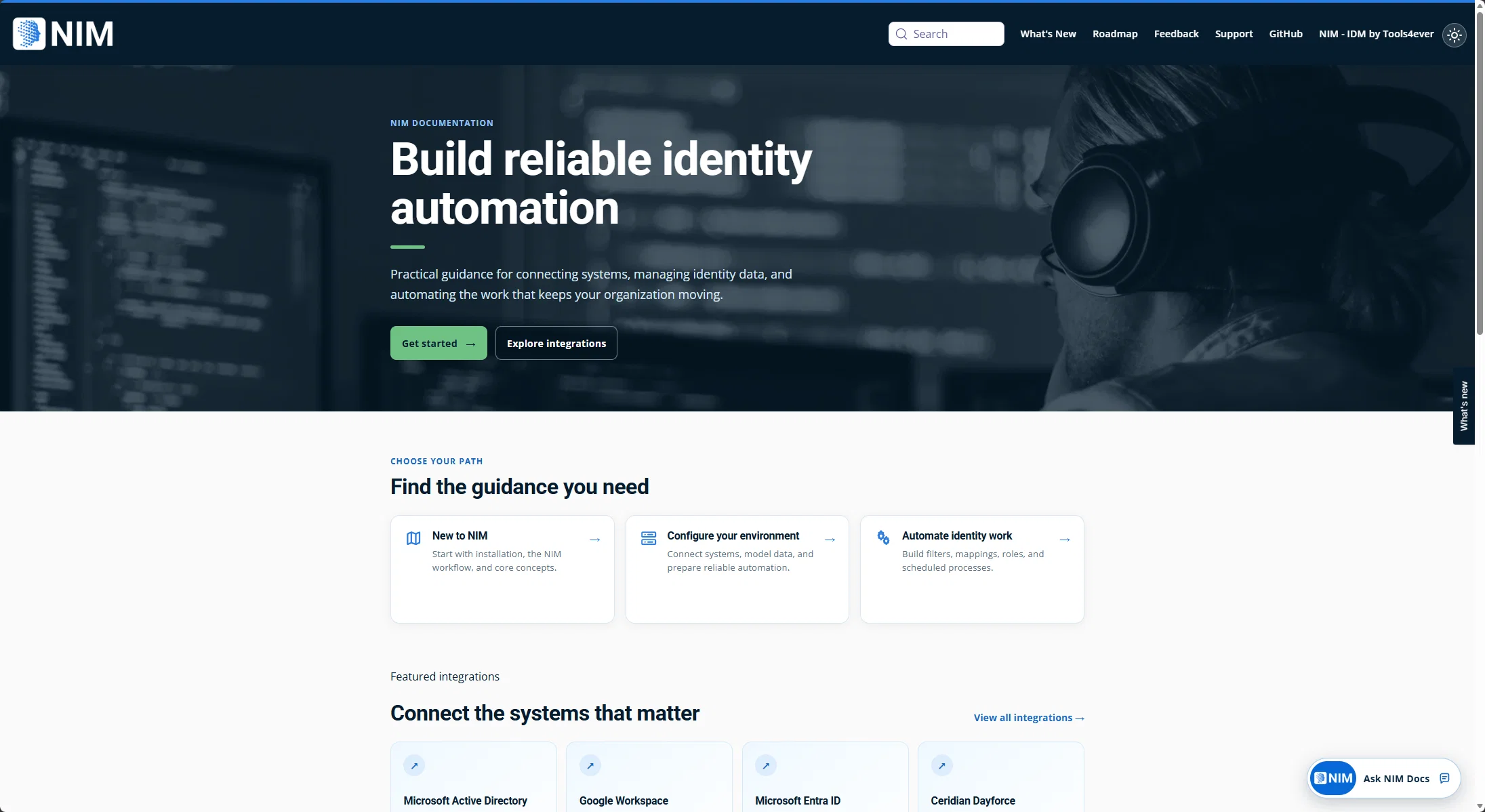
A single place to find NIM guidance, from first setup through daily operations.
Find the guidance you need
Release updates will link to the details
As the documentation grows, NIM service, app, and connector release announcements will begin including links to relevant reference documentation. You will be able to move from what changed to the setup steps, supported operations, and troubleshooting guidance that apply to a release.
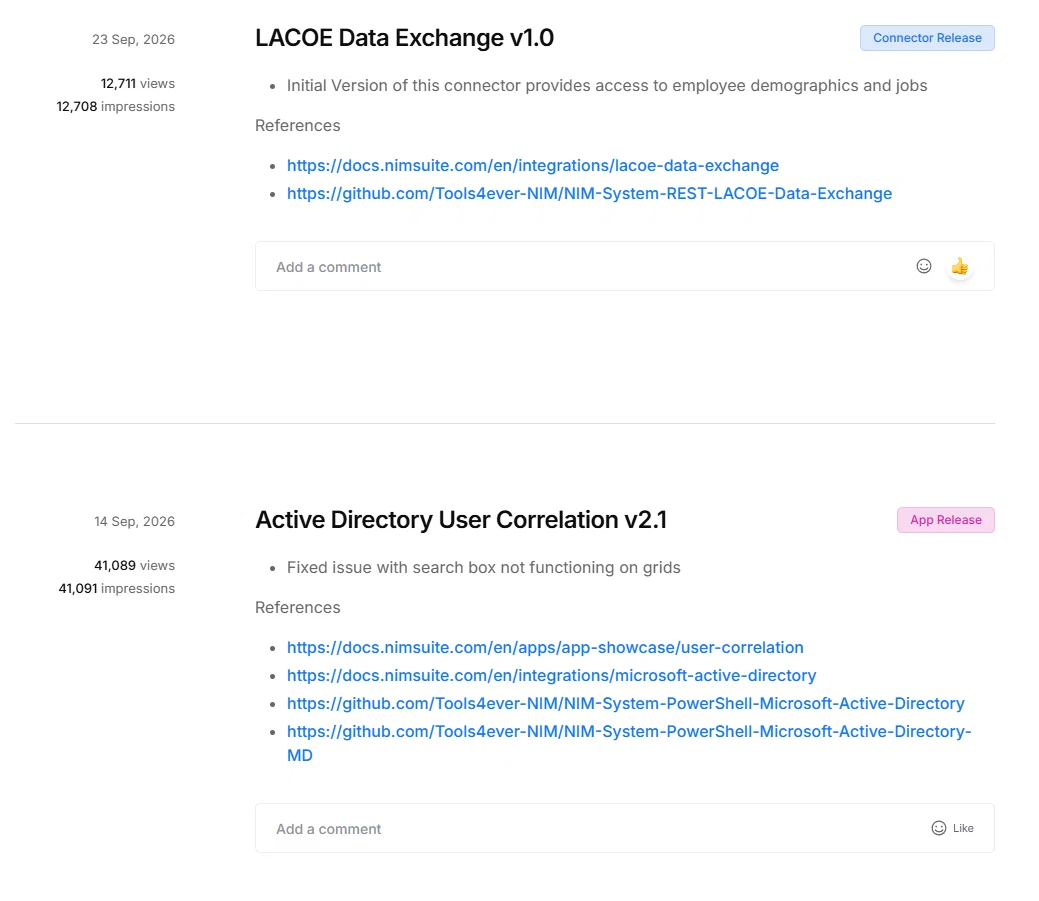
References
References